
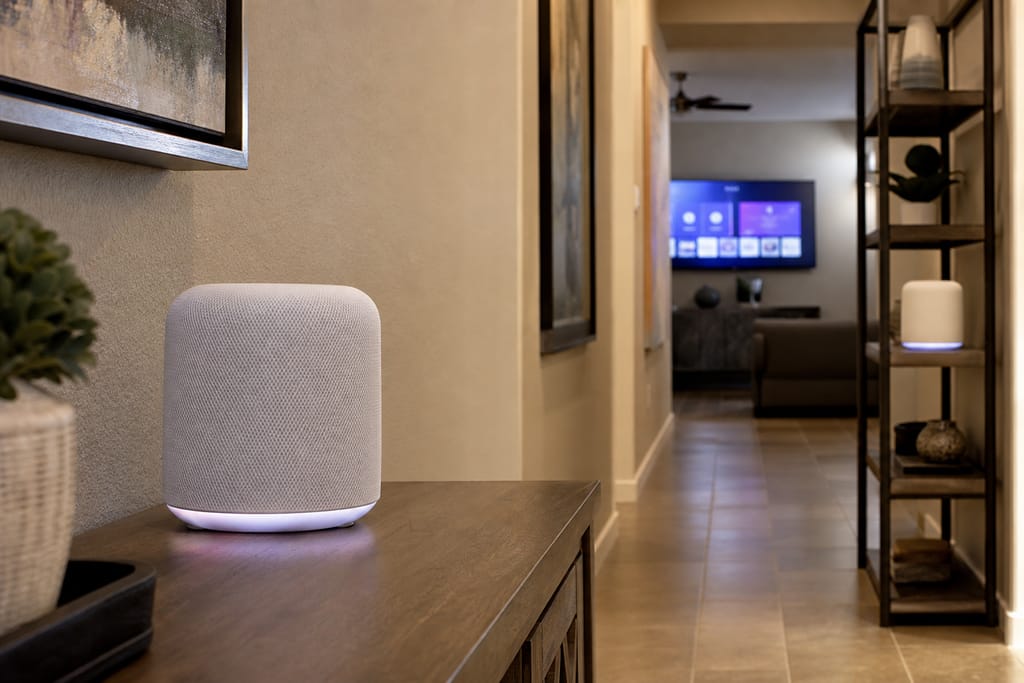
Mesa Smarthome Automation Pro
Network/Wi-Fi Optimization for Smart Devices in Mesa, AZ
Network and Wi-Fi optimization for smart home devices in Mesa, fixing dead zones before they cause dropped automations.
- 15+ Years local experience
- 500+ Projects completed
- Licensed & Insured
Serving Mesa and nearby communities.
Smart devices are only as reliable as the network carrying them. A dead zone in the back bedroom means a dropped lock, a laggy camera, a thermostat that stops reporting. Mesa Smarthome Automation Pro surveys your Wi-Fi coverage and builds a mesh network designed to carry a houseful of smart devices, not just a laptop and a phone.
Bigger Mesa lots and sprawling floor plans make dead zones common. We fix the coverage problem before adding more devices on top of it.
What's included
What's included with Network/Wi-Fi Optimization for Smart Devices
Typically included: -
- Full signal survey identifying dead zones — Mesh access point placement and installation -.
- Device reconnection to the optimized network — Speed and stability testing across the home.
Optional
- Ethernet backhaul wiring for access points
- Bandwidth prioritization for critical smart home traffic
- Network monitoring software setup
Customer prep
- Current router make and model if known
- A list of rooms where devices currently drop or lag
- Access to equipment closets, attics, or garages where gear lives
Want a clearer scope?
Get a Free EstimateHow it works
How our Network/Wi-Fi Optimization for Smart Devices process works
 Step 1
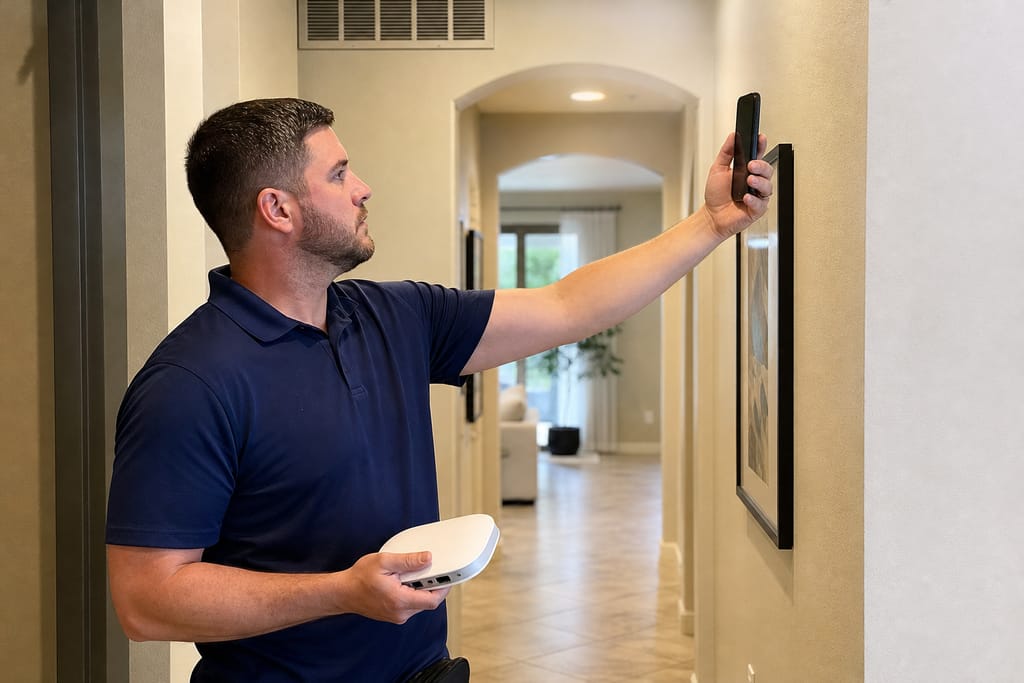
Network Assessment
We analyze current Wi-Fi coverage and identify dead zones throughout the home.
 Step 2
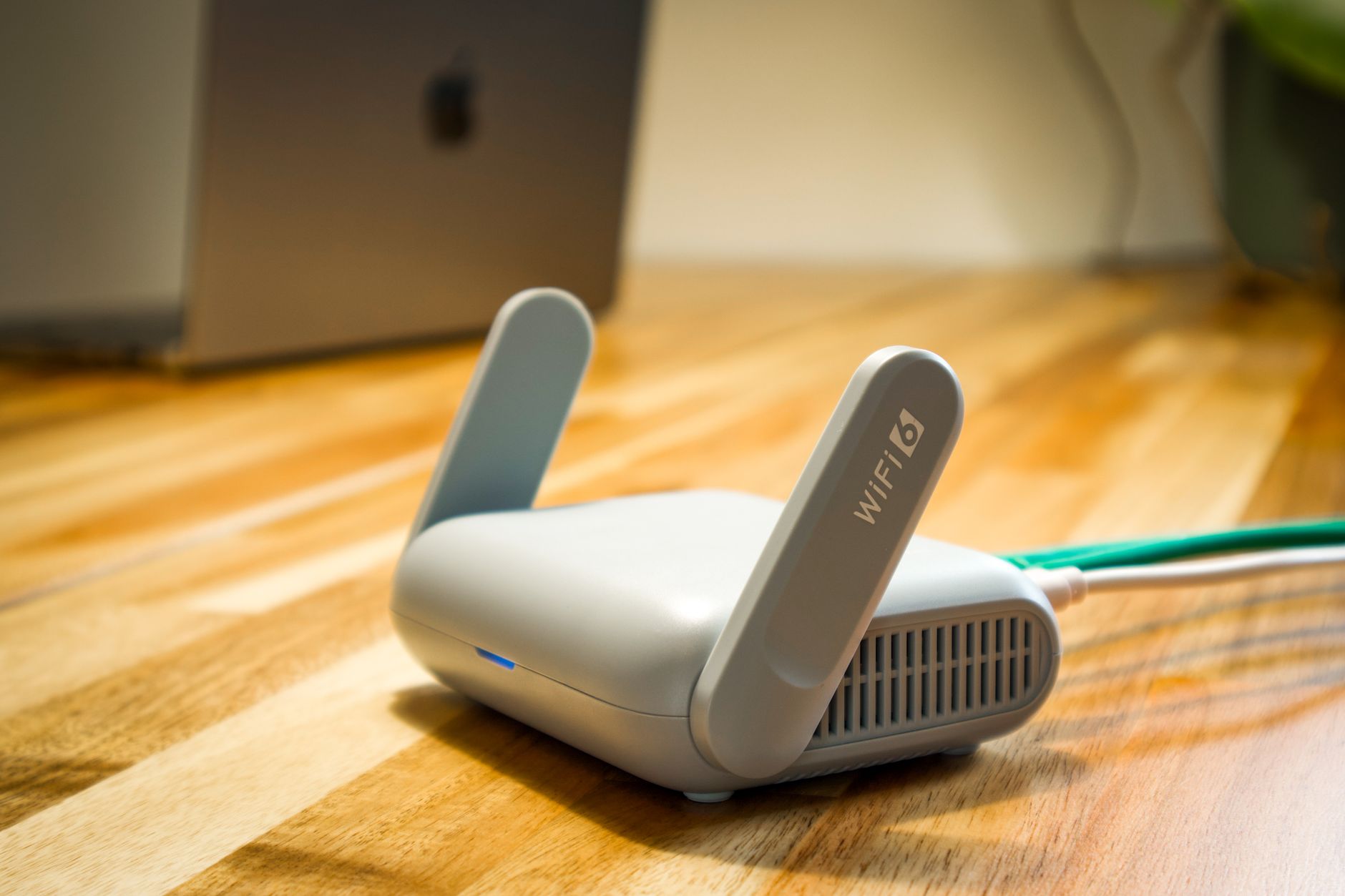
Router Placement Planning
Optimal router and access point locations are determined for full coverage.
 Step 3
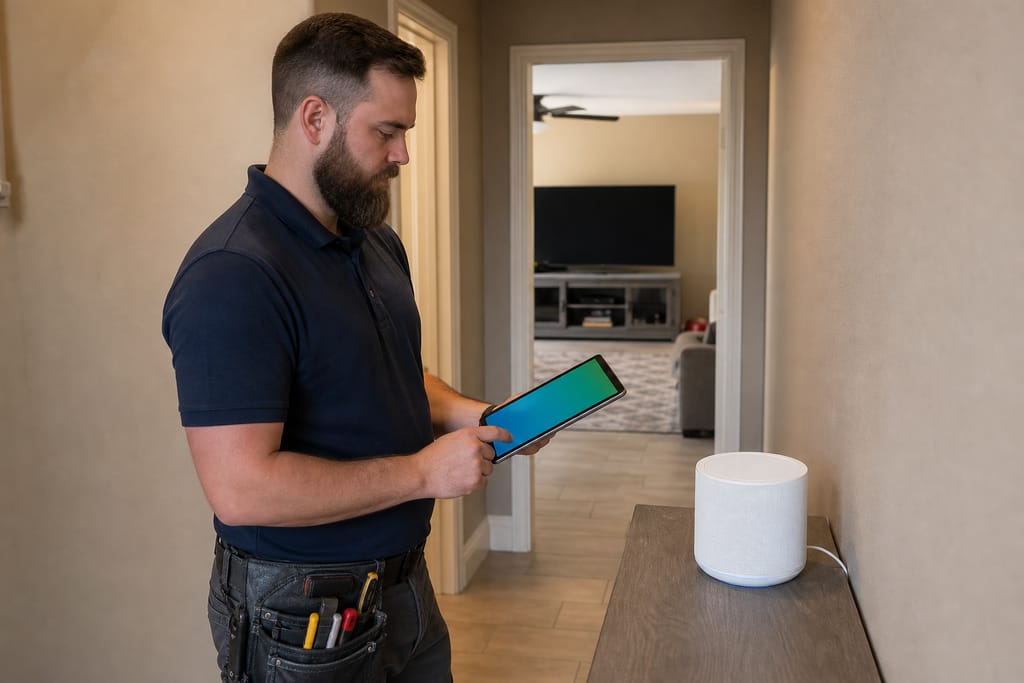
Mesh System Installation
We install mesh network nodes to extend reliable Wi-Fi throughout the property.
 Step 4
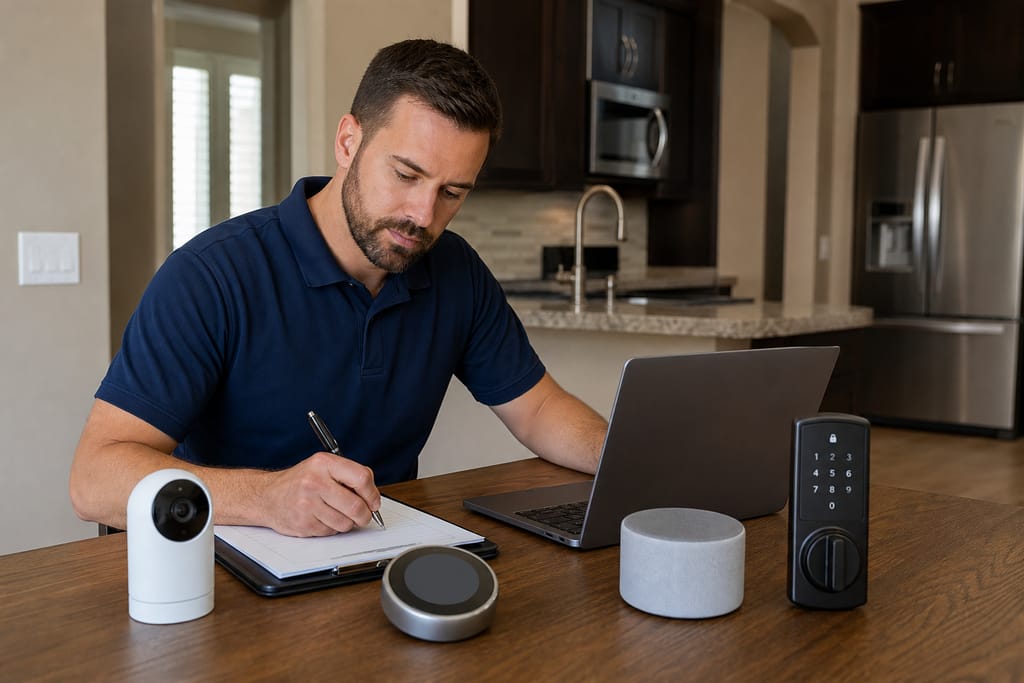
Device Network Configuration
All smart devices are connected and configured on the optimized network.
 Step 5
Bandwidth Prioritization
We set up quality-of-service settings to prioritize critical smart home traffic.
 Step 6
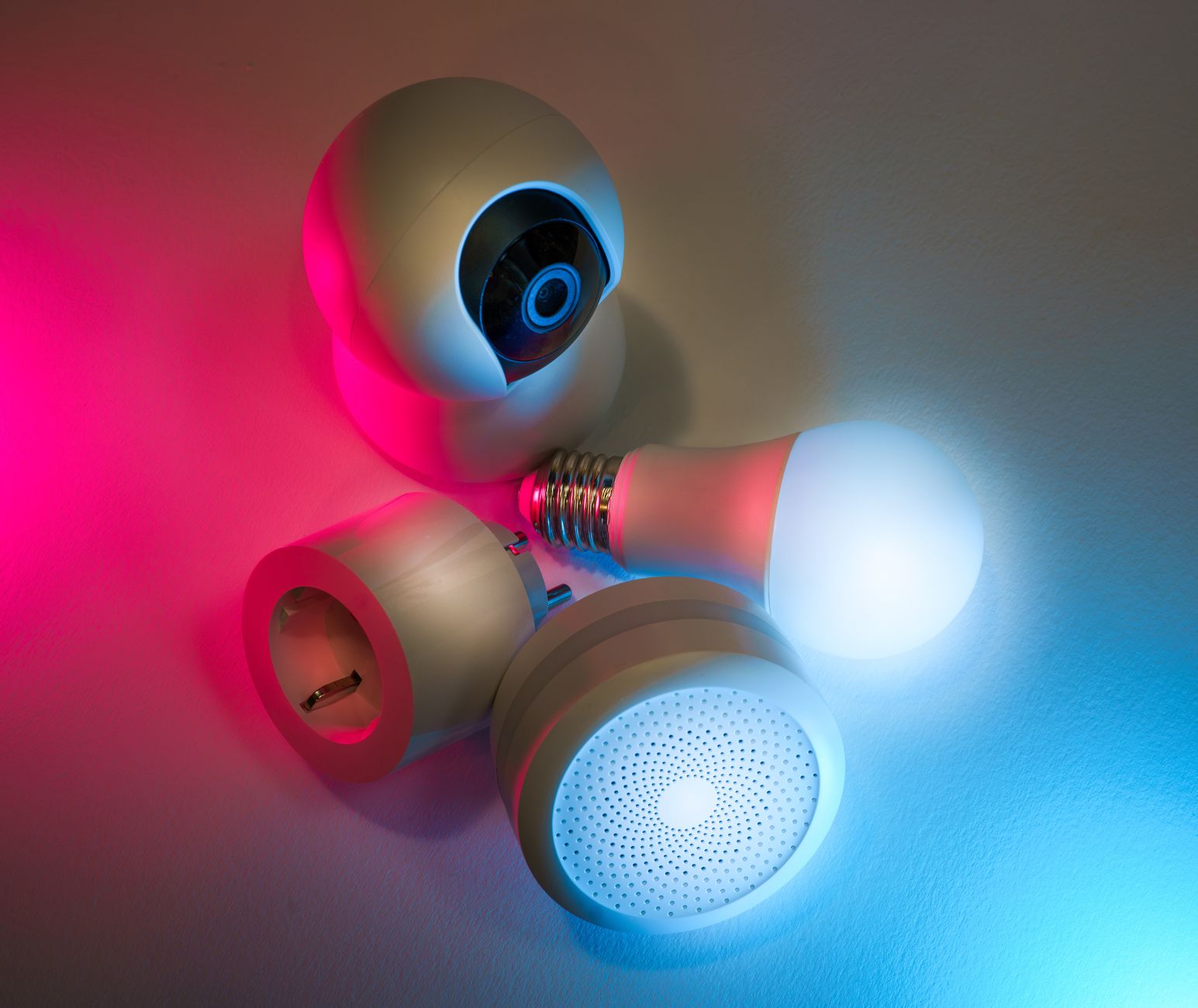
Performance Monitoring
We test speed and connectivity across the home to confirm optimal performance.
Materials
Materials and methods for Network/Wi-Fi Optimization for Smart Devices
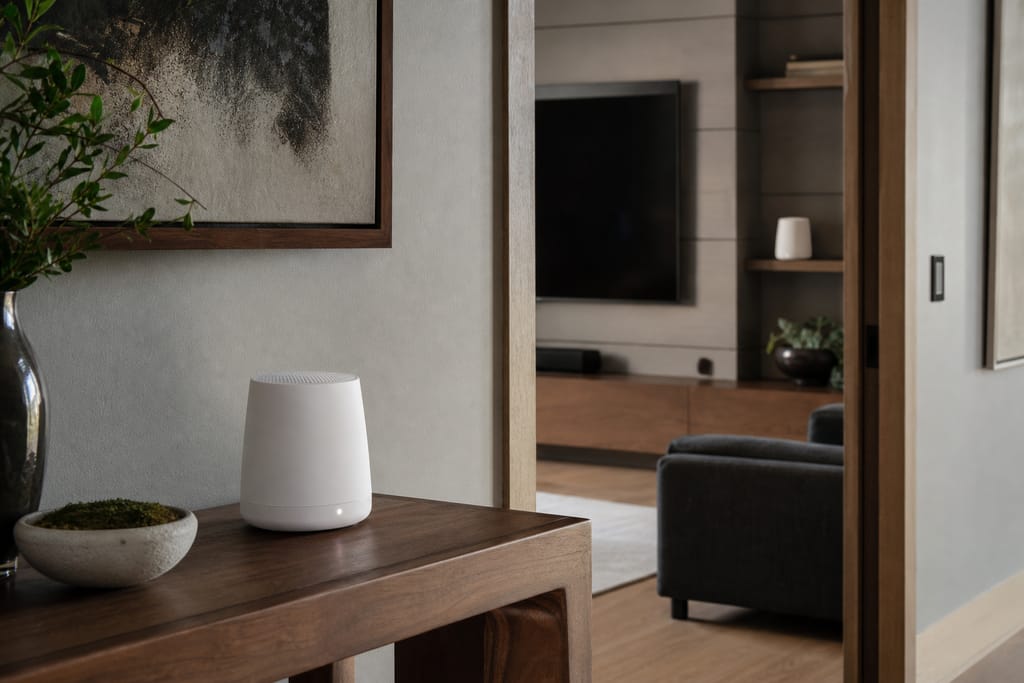
Mesh Wi-Fi Routers
Multiple units work together to provide smooth whole-home wireless coverage, built to handle the larger square footage common in East Valley homes.
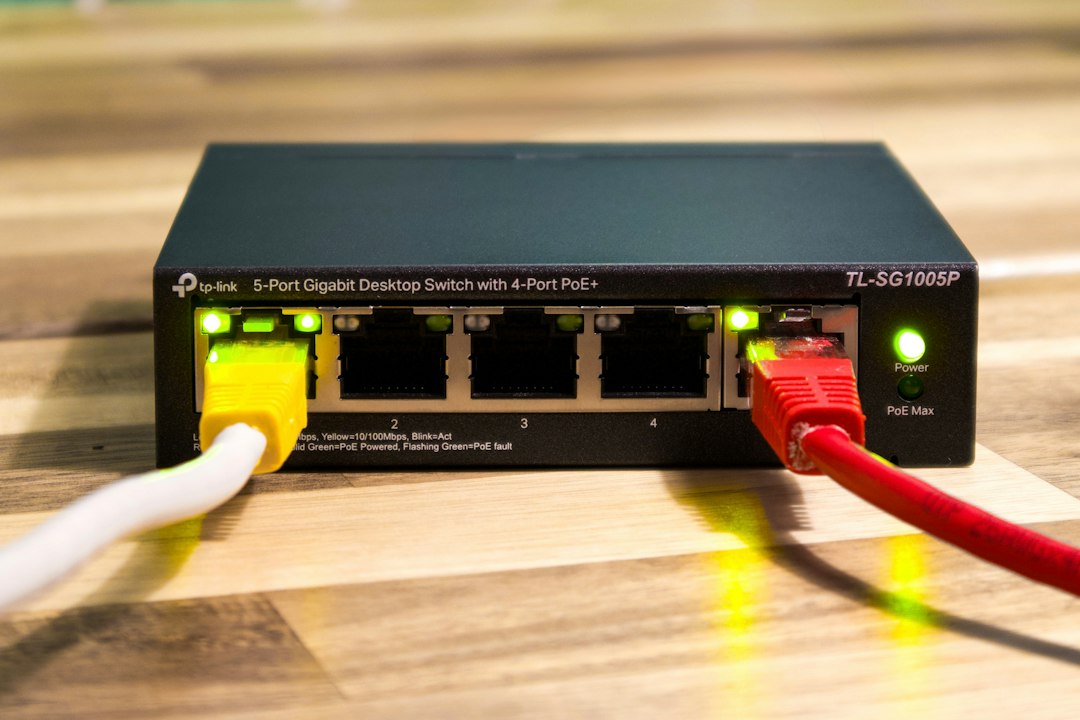
Network Switches
Devices that expand wired connections for stationary smart home equipment.
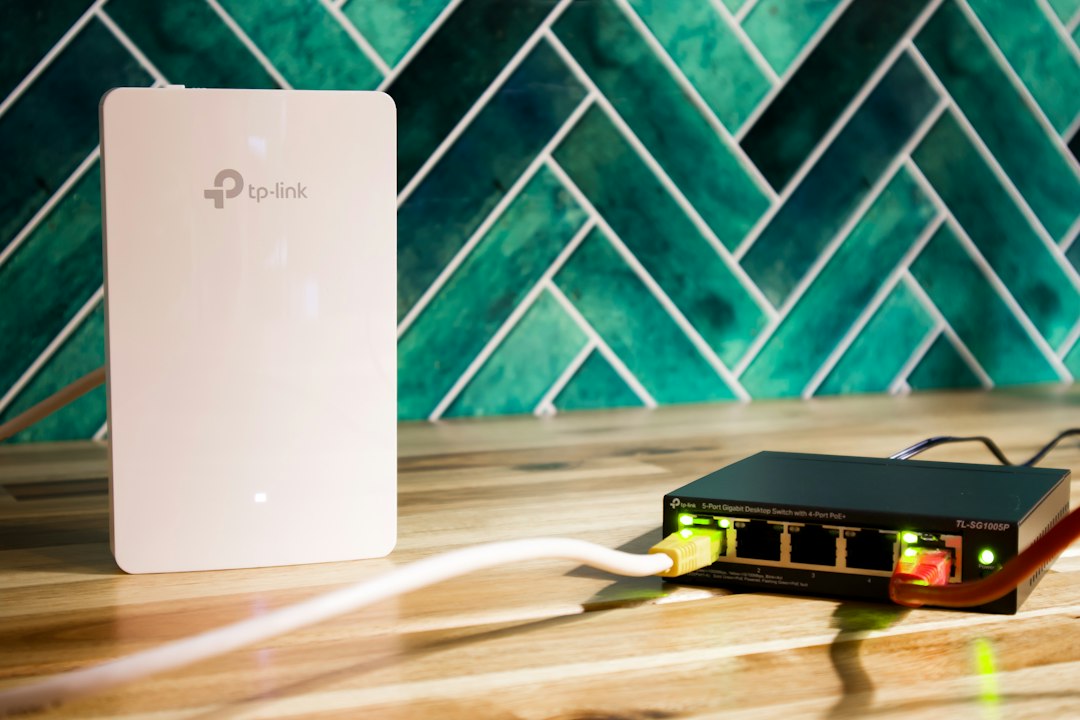
Wi-Fi Range Extenders
Extenders boost signal strength to eliminate connectivity dead zones.
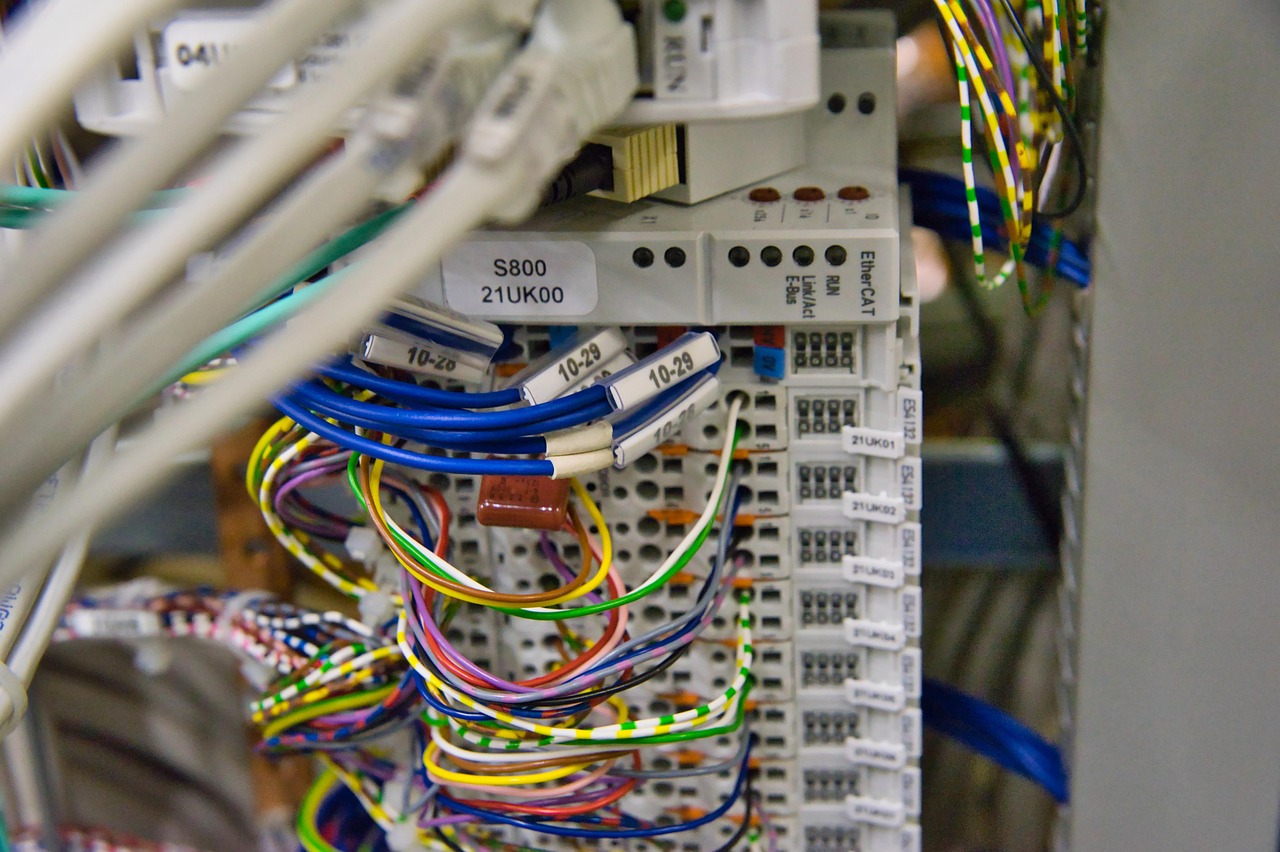
Ethernet Cabling
Wired connections provide stable, high-speed data transfer for key devices.
Network Monitoring Software
Tools that track device connectivity and overall network performance.

Firewall & Security Gateway
Hardware that protects the network from unauthorized access and threats.
Questions on materials?
Get a Free EstimateTimeline
How long does network/wi-fi optimization for smart devices take?
Most homes don't need more than a day for a full mesh setup.
- 01
Signal survey
same day - 02
Mesh access point installation
half day - 03
Device reconnection and testing
half day - 04
Full assessment through testing, average home
1 day
Need a schedule that fits?
Get a Free EstimateFAQs
Network/Wi-Fi Optimization for Smart Devices FAQs
Will my smart home devices actually work with my Wi-Fi or do I need new equipment?
Depends on your current coverage. Many homes have dead zones that cause dropped connections even with good internet speed. A signal survey tells us whether you need new equipment or just better placement.
How do I stop my smart home devices from dropping connection in the summer heat?
Heat buildup in garages and attics, where routers often live, degrades performance over time. Moving equipment to a cooler spot or adding mesh nodes elsewhere in the house usually solves it.
Will solar panels or a metal roof mess with my smart home signal?
They can block or reflect Wi-Fi signal in certain areas of a home. We account for this during the survey and place access points to route around interference.
How much does Wi-Fi optimization cost in Mesa?
Pricing depends on home size and how many access points are needed. A smaller home might need just one or two mesh nodes; a sprawling floor plan needs more coverage. Ask for a free estimate based on your square footage.
How do I prepare my home for a network optimization visit?
Have your current router accessible and note which rooms have the worst connectivity. That's enough for us to start the signal survey.
Next step
Get a Network/Wi-Fi Optimization for Smart Devices estimate in Mesa
Call (928) 236-9372 or request a free estimate. Back to Home or see Voice Assistant & Smart Hub Integration if you're also consolidating device control.
More services
Other Smart Home Automation Installation. services
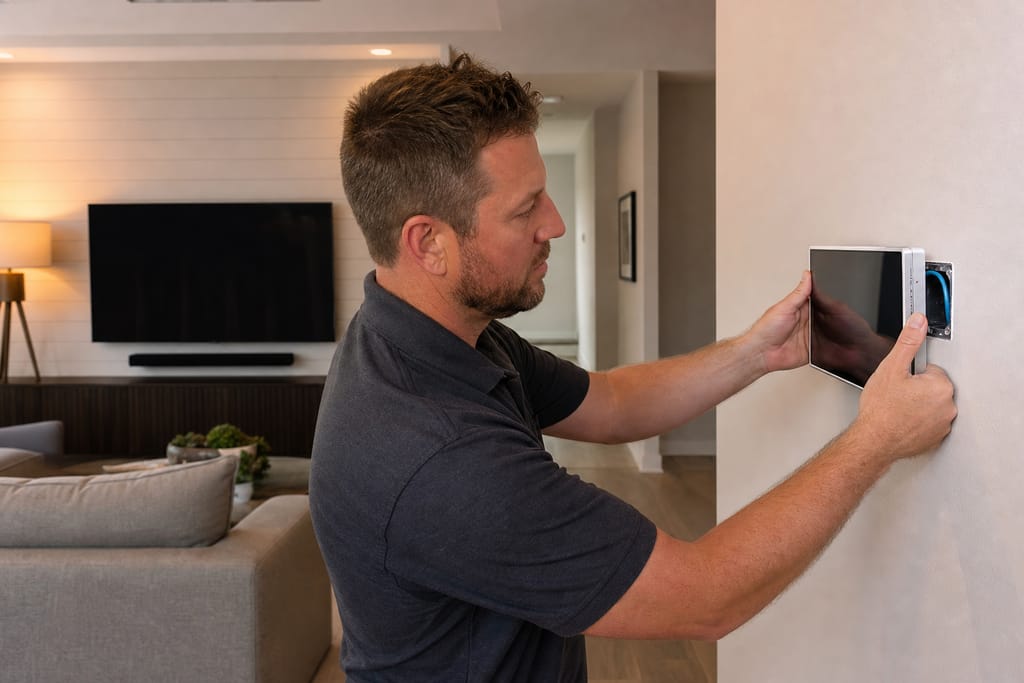
Whole-Home Automation Design & Installation
Whole-home automation design and installation in Mesa tying lighting, climate, security, and AV into one system. Free estimates.
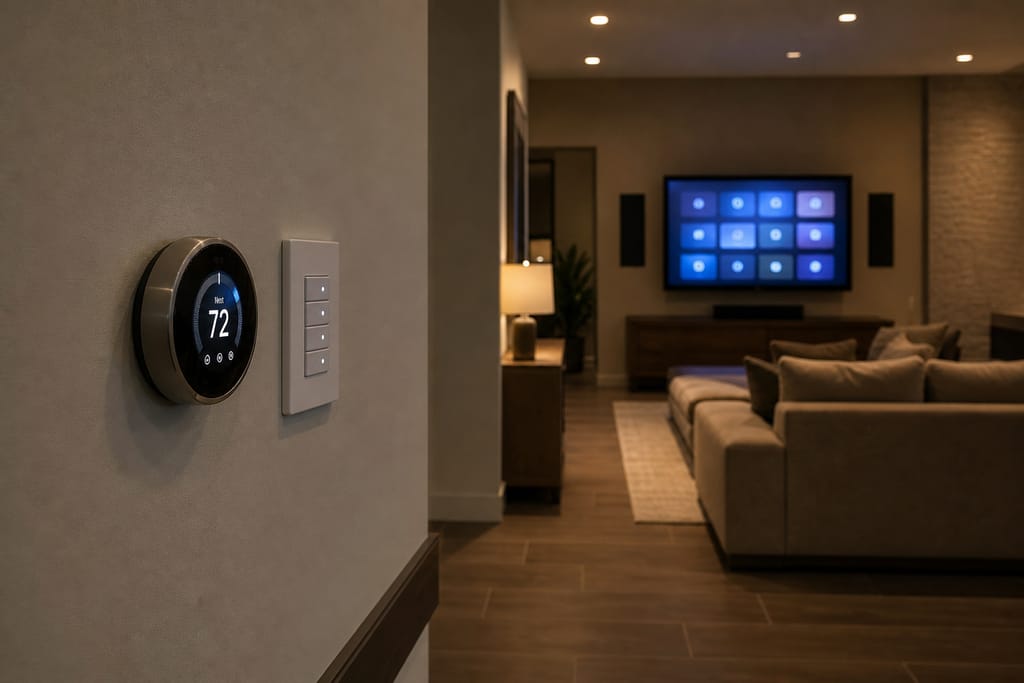
Smart Lighting & Shading Control
Smart lighting and shading control installation in Mesa for automated scenes and heat-cutting shades. Free estimates available.
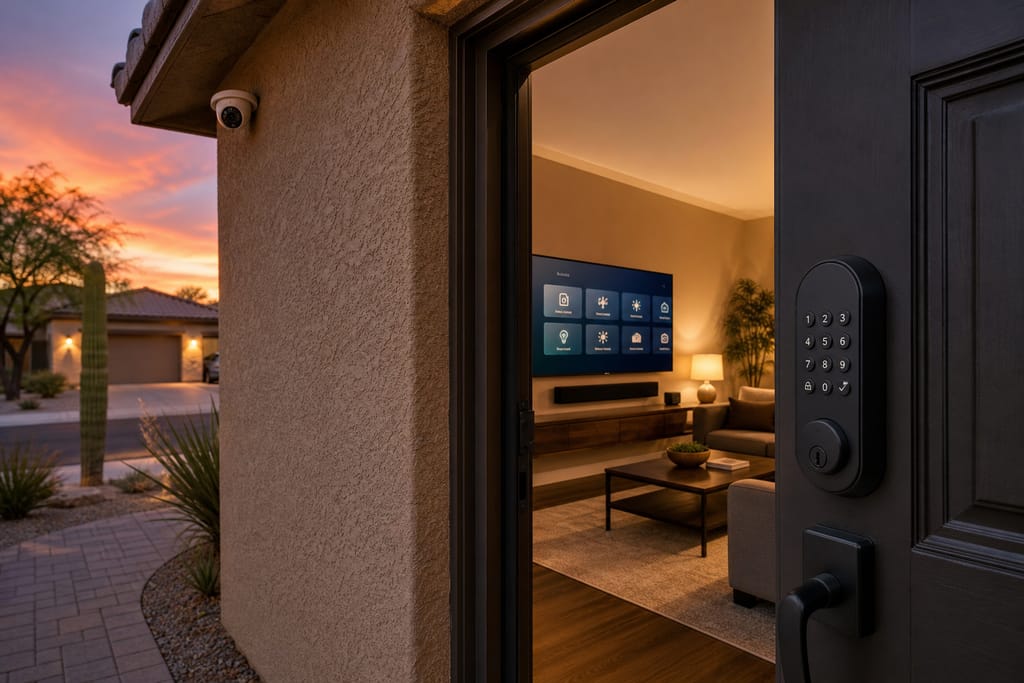
Integrated Security, Video, and Access Control
Integrated security, video, and access control installation in Mesa linking cameras, locks, and automation. Free estimates.
Ask about Network/Wi-Fi Optimization for Smart Devices
Tell us about the project and how to reach you.