Mesa Smarthome Automation Pro
Voice Assistant & Smart Hub Integration in Mesa, AZ
Voice assistant and smart hub integration in Mesa connecting multi-brand devices under one control layer. Free estimates.
- 15+ Years local experience
- 500+ Projects completed
- Licensed & Insured
Serving Mesa and nearby communities.
A smart home hub does something a pile of separate apps can't: it lets devices from different brands act like one system. Mesa Smarthome Automation Pro sets up the hub, the voice assistant, and the pairing between them so "turn off downstairs" actually works no matter who made the bulb, the lock, or the thermostat.
We handle homes with existing devices scattered across brands as often as new installs. Either way, the goal is the same, one voice layer, fewer apps.
What's included
What's included with Voice Assistant & Smart Hub Integration
Typically included
- Network and signal check before hub placement
- Hub selection and setup matched to your device ecosystem
- Cross-brand device pairing
- Custom voice commands and routine programming
Optional
- Touchscreen control panel in addition to voice
- Expanded routines for guests or seasonal schedules
- Firmware update scheduling for long-term reliability
Customer prep
- A list of devices and brands already installed
- Wi-Fi network name and password
- Note any metal roofing or solar panel setup that might affect signal
Want a clearer scope?
Get a Free EstimateHow it works
How our Voice Assistant & Smart Hub Integration process works
 Step 1
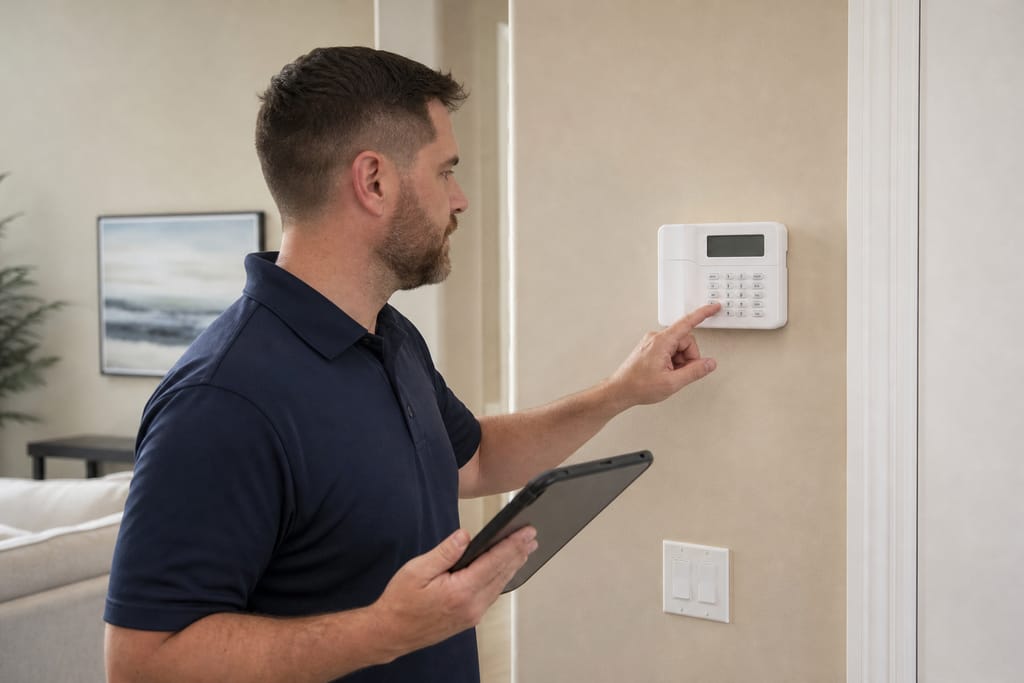
Compatibility Assessment
We review existing devices to ensure smooth integration with voice platforms.
 Step 2
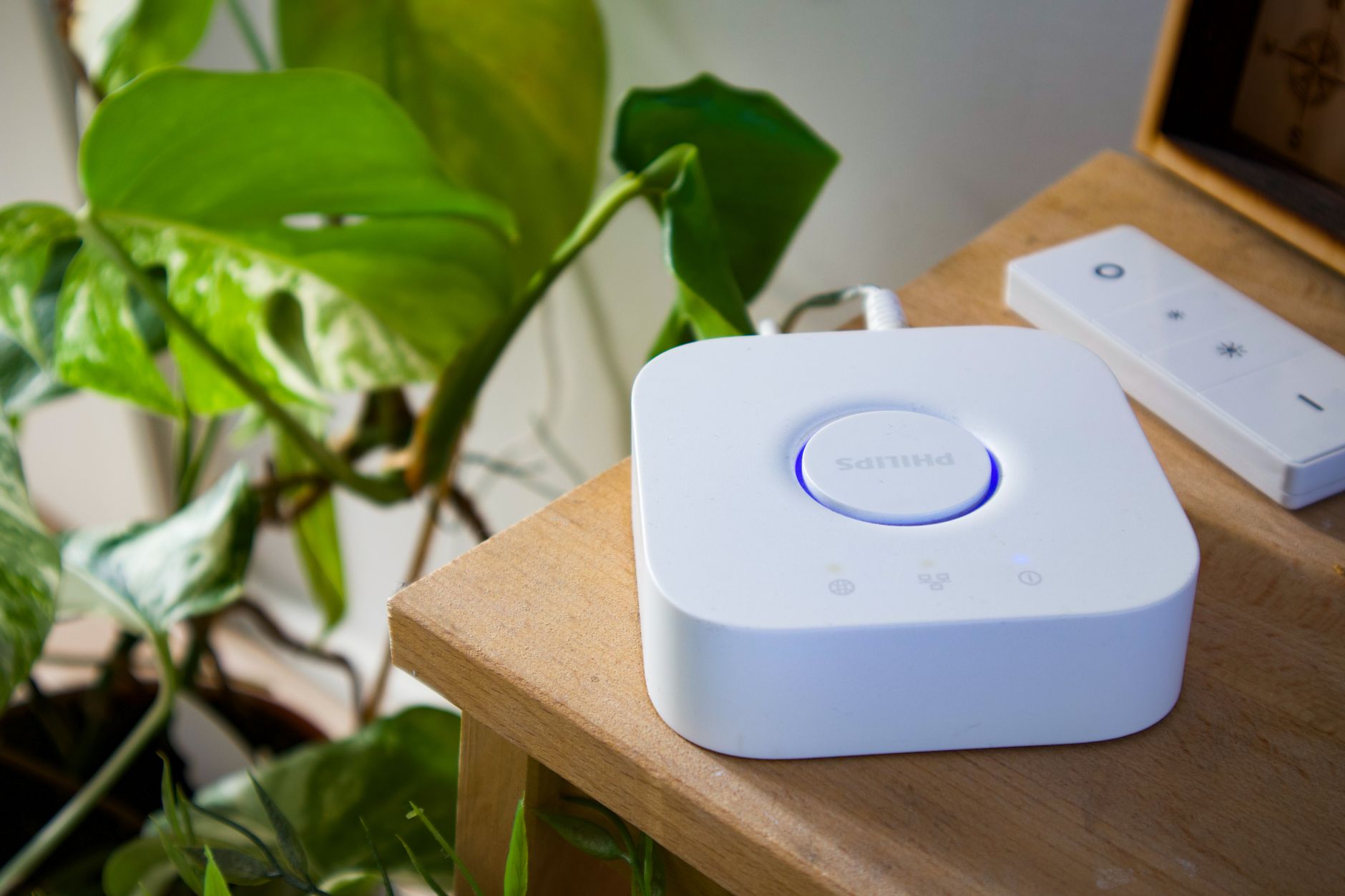
Hub Selection
Clients choose a central hub that aligns with their preferred ecosystem.
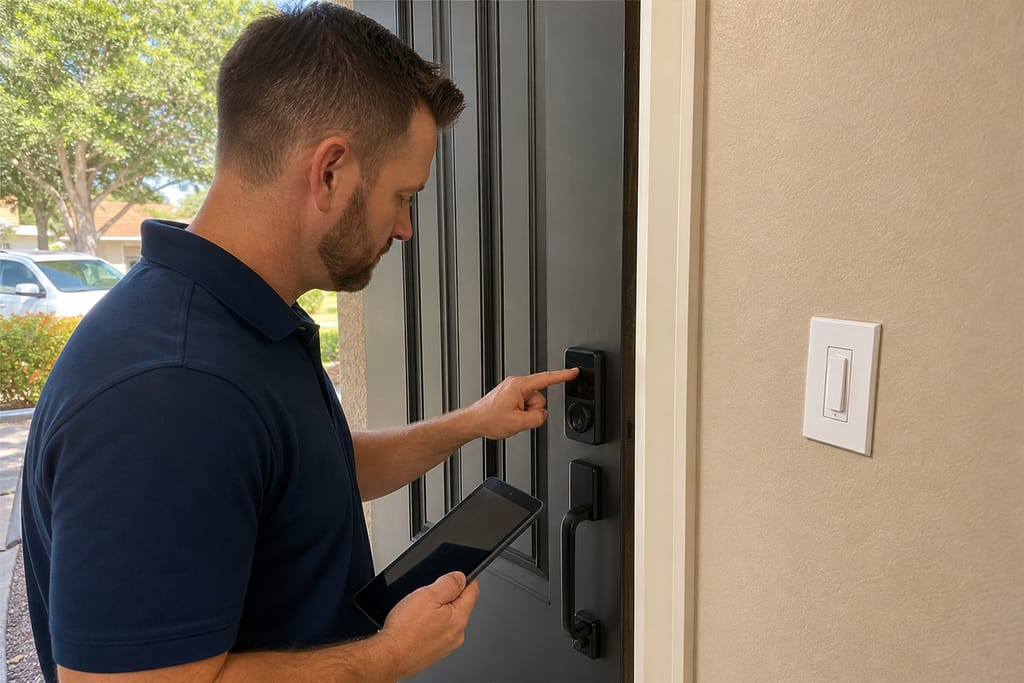 Step 3
Device Pairing
We connect all smart devices to the chosen hub and voice assistant.
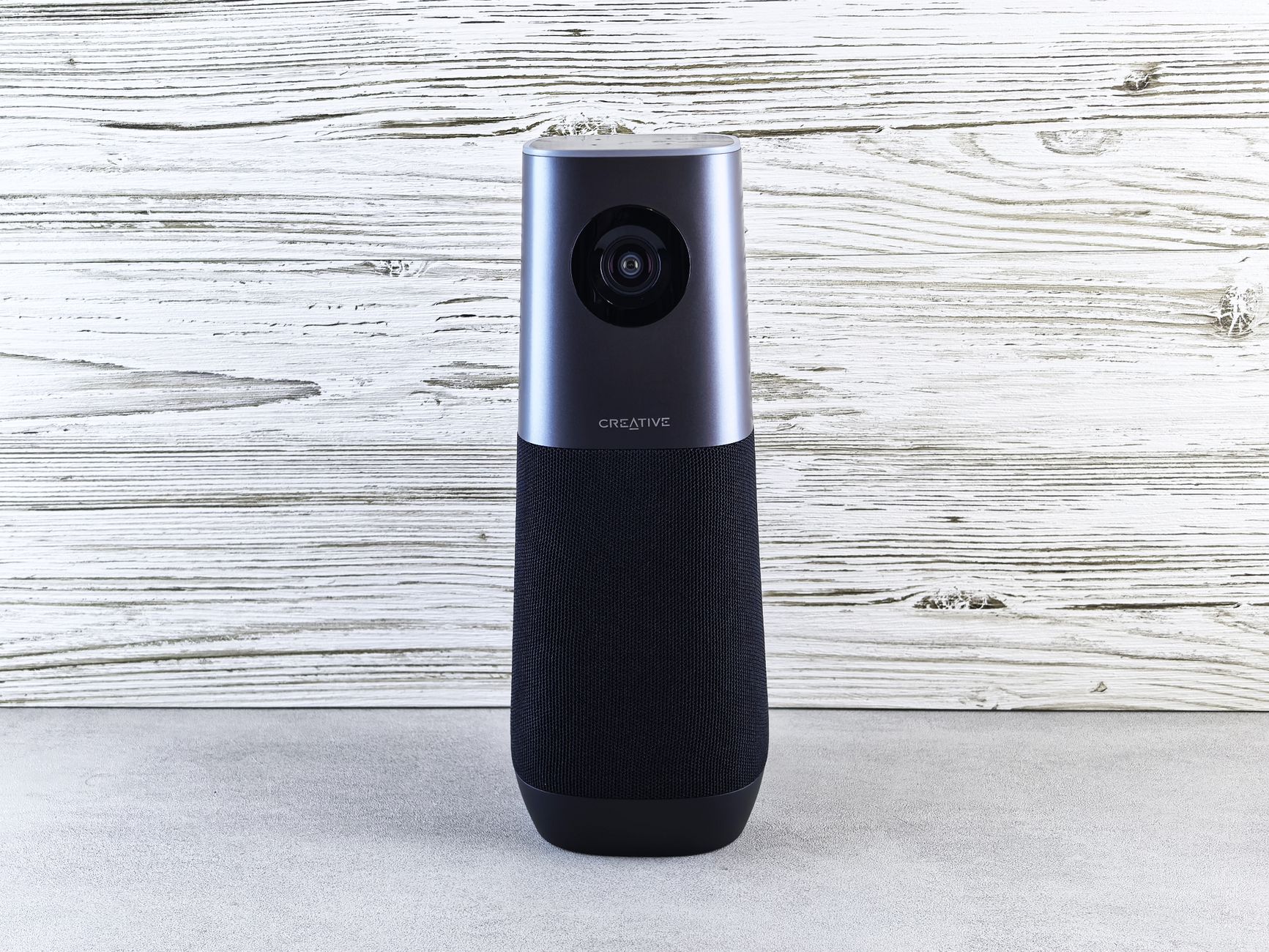 Step 4
Voice Command Configuration
Custom voice commands are set up for lighting, climate, and security control.
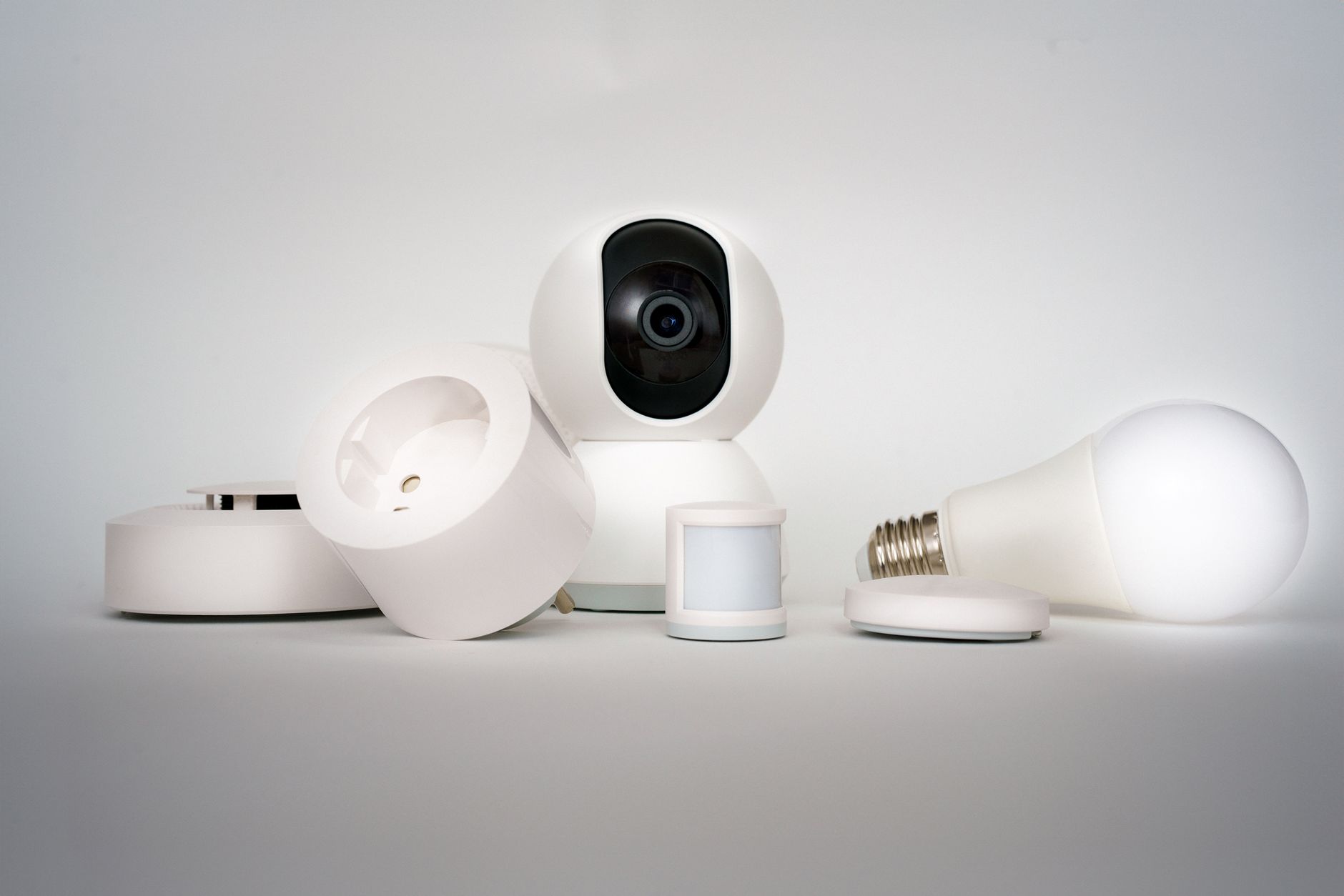 Step 5
Routine Automation Setup
We create voice-activated routines for common daily activities and scenes.
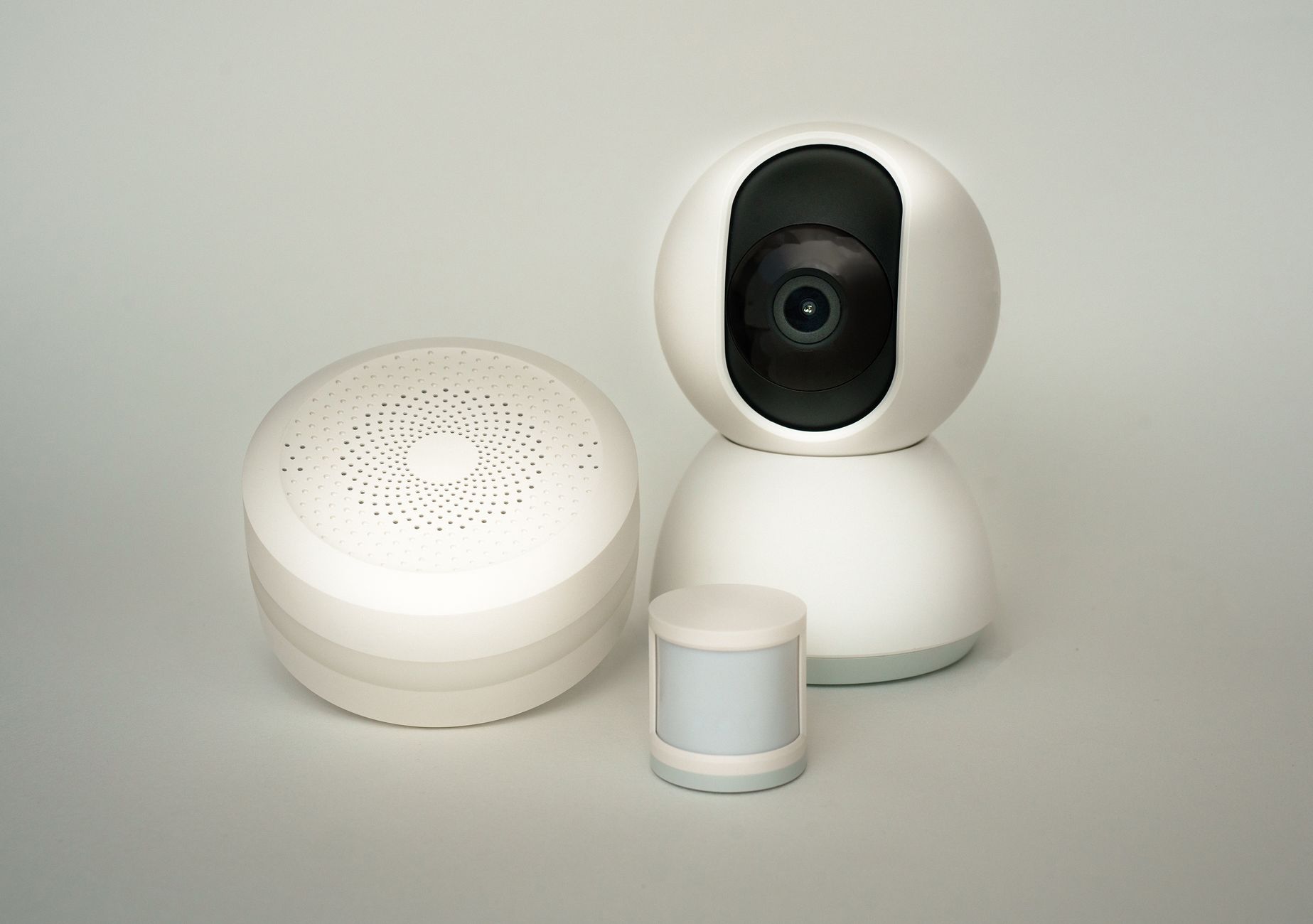 Step 6
User Training
We guide clients through using voice commands and hub features effectively.
Materials
Materials and methods for Voice Assistant & Smart Hub Integration
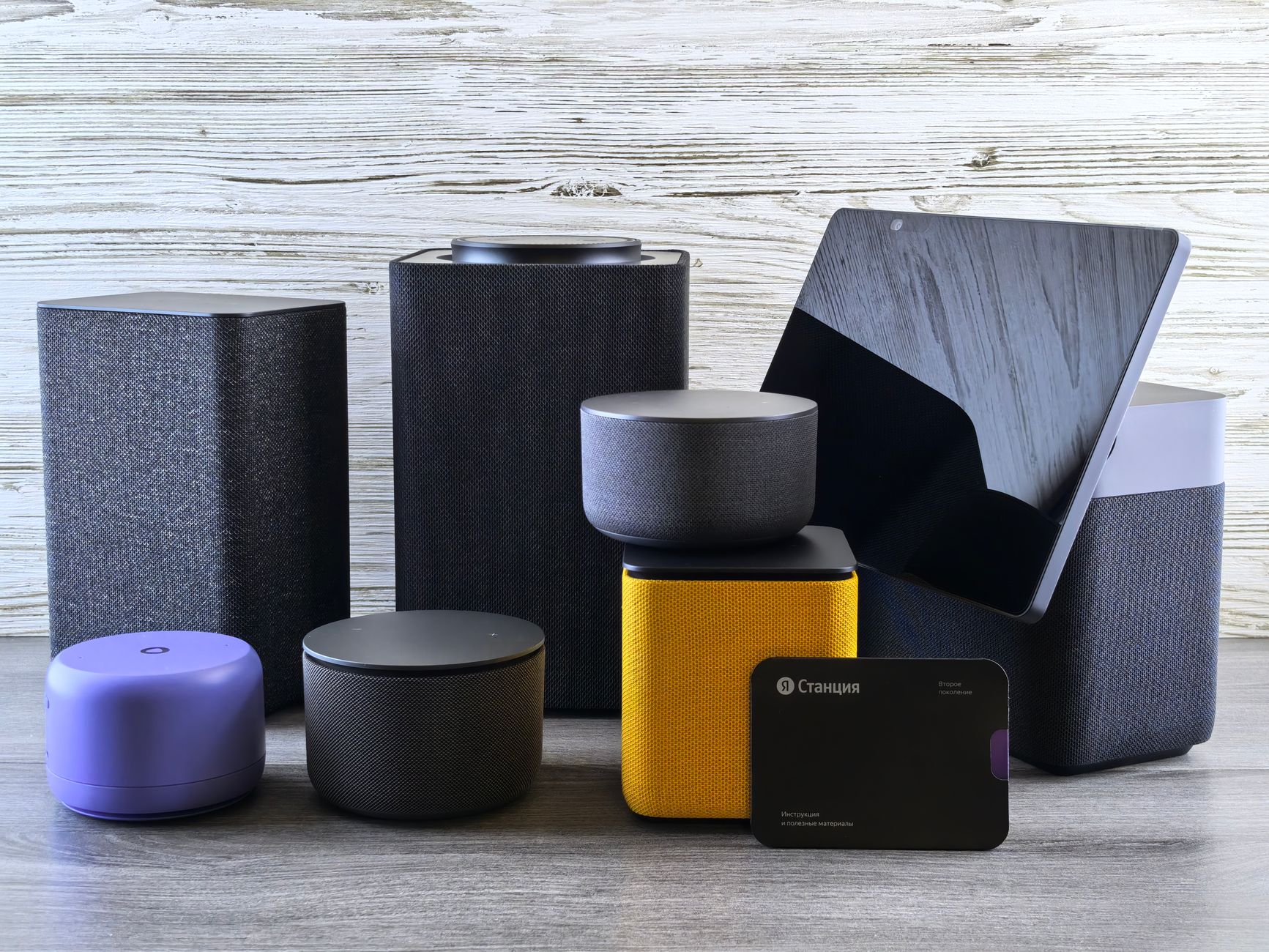
Voice Assistant Speakers
Devices that process voice commands to control connected smart systems.
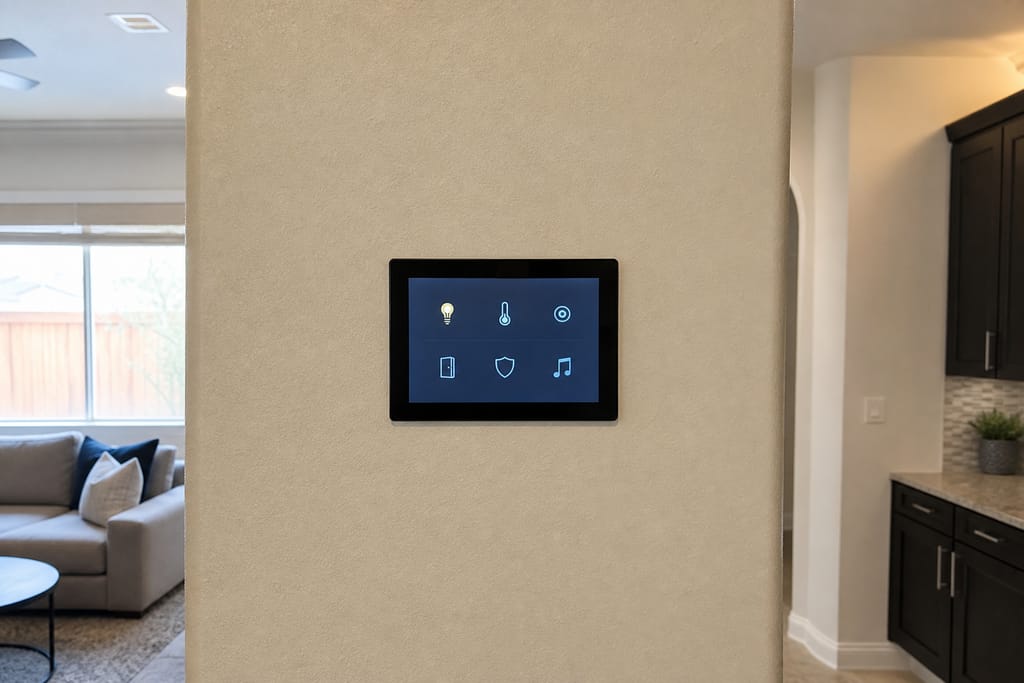
Smart Hub Devices
Central units that bridge communication between various smart home products.
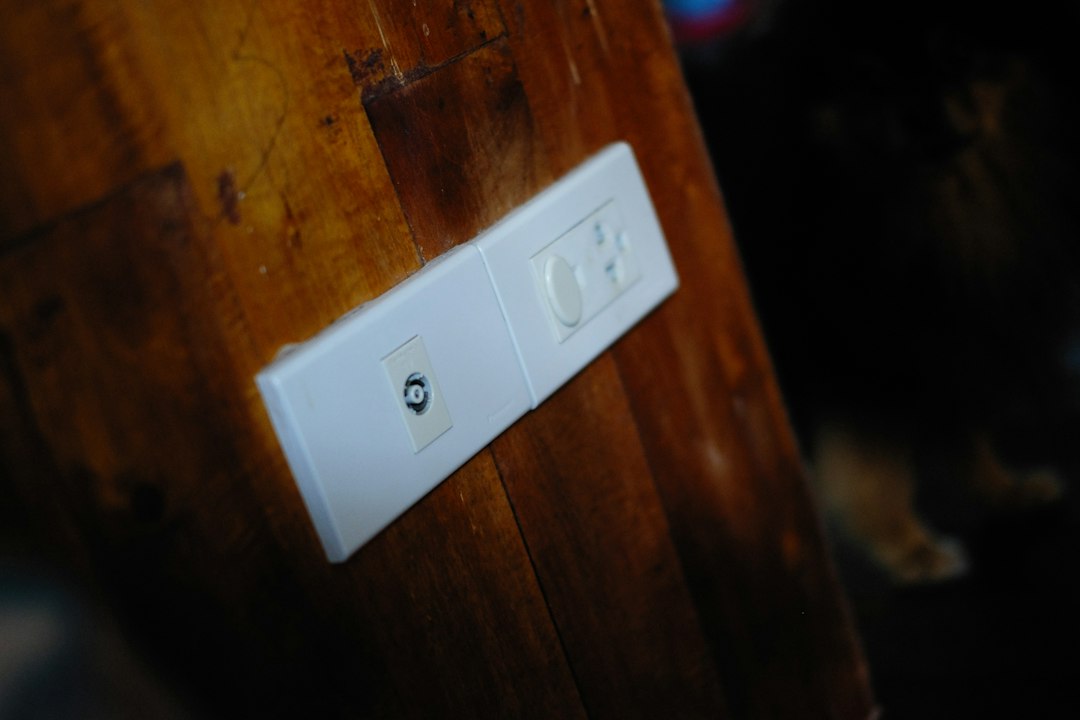
Compatible Smart Plugs
Plugs enable voice control over devices that lack built-in smart features.
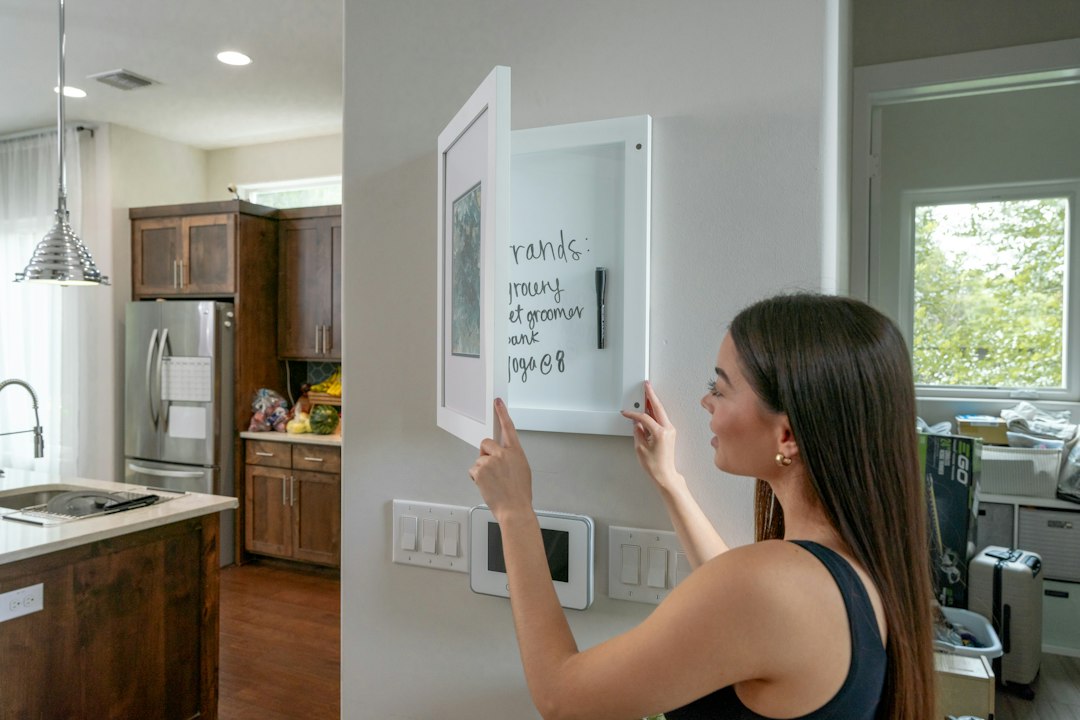
Display Control Panels
Touchscreen displays provide visual feedback for voice-activated systems.

Zigbee/Z-Wave Bridges
Bridges allow different wireless protocols to communicate within the home, handy when a Mesa home has a metal roof or solar array that interferes with standard Wi-Fi range.

Firmware Update Tools
Software ensures all integrated devices remain current and secure.
Questions on materials?
Get a Free EstimateTimeline
How long does voice assistant & smart hub integration take?
A hub setup moves fast once hardware is on-site. More devices means more pairing time.
- 01
Signal check and hub placement
same day - 02
Device pairing, under 10 devices
half day - 03
Device pairing, full-home with 15+ devices
1–2 days - 04
Voice routine programming
same dayhappens alongside pairing
Need a schedule that fits?
Get a Free EstimateFAQs
Voice Assistant & Smart Hub Integration FAQs
What's the difference between a smart home hub and just using separate apps?
A hub lets devices from different brands communicate and respond to the same command or trigger. Separate apps keep each brand isolated, so you're tapping five screens instead of saying one phrase.
Can one system control my lights, locks, and thermostat if they're different brands?
That's what hub integration solves. We pair each device to the hub during setup so they respond to the same voice commands and automation routines regardless of manufacturer.
What happens to my automation system if the internet goes down?
Local routines and voice commands that don't rely on cloud services generally keep working. Features tied to remote app access or cloud-based voice processing pause until the connection is back.
Will solar panels or a metal roof mess with my smart home signal?
They can interfere with standard Wi-Fi range in some cases. We check signal strength during the assessment and use bridges or additional access points where needed to keep devices connected reliably.
Do I need a permit for a hub and voice assistant setup?
Typically no, since this work runs on existing wiring and network infrastructure. If we end up recommending new wiring for signal reasons, we'll flag that separately.
Next step
Get a Voice Assistant & Smart Hub Integration estimate in Mesa
Call (928) 236-9372 or request a free estimate. Head back to Home or check Network/Wi-Fi Optimization for Smart Devices if your devices keep dropping signal.
More services
Other Smart Home Automation Installation. services
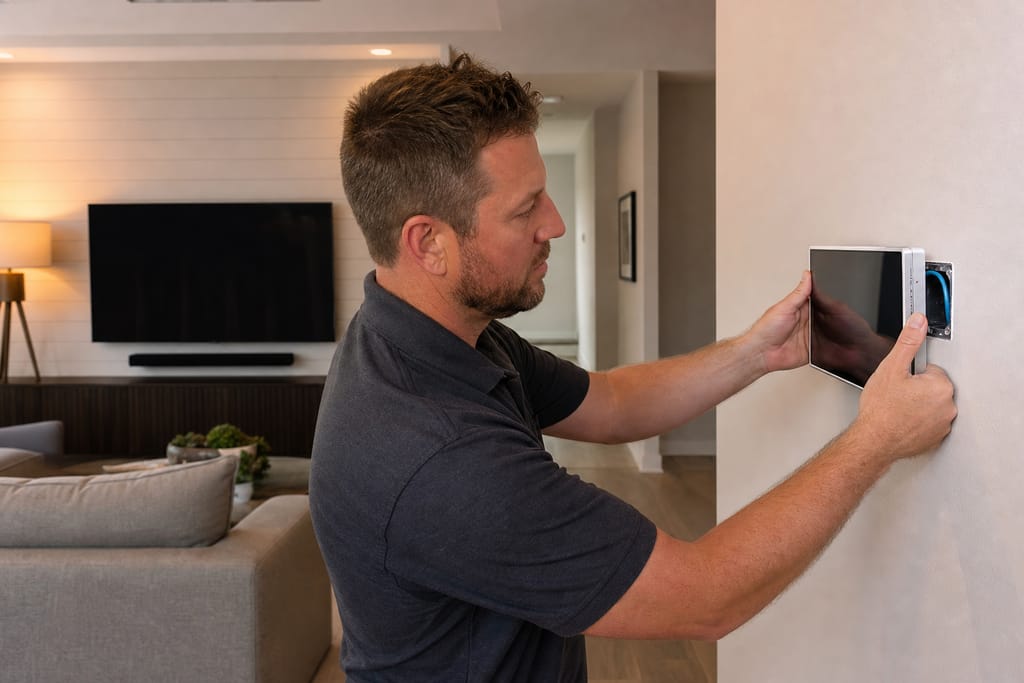
Whole-Home Automation Design & Installation
Whole-home automation design and installation in Mesa tying lighting, climate, security, and AV into one system. Free estimates.
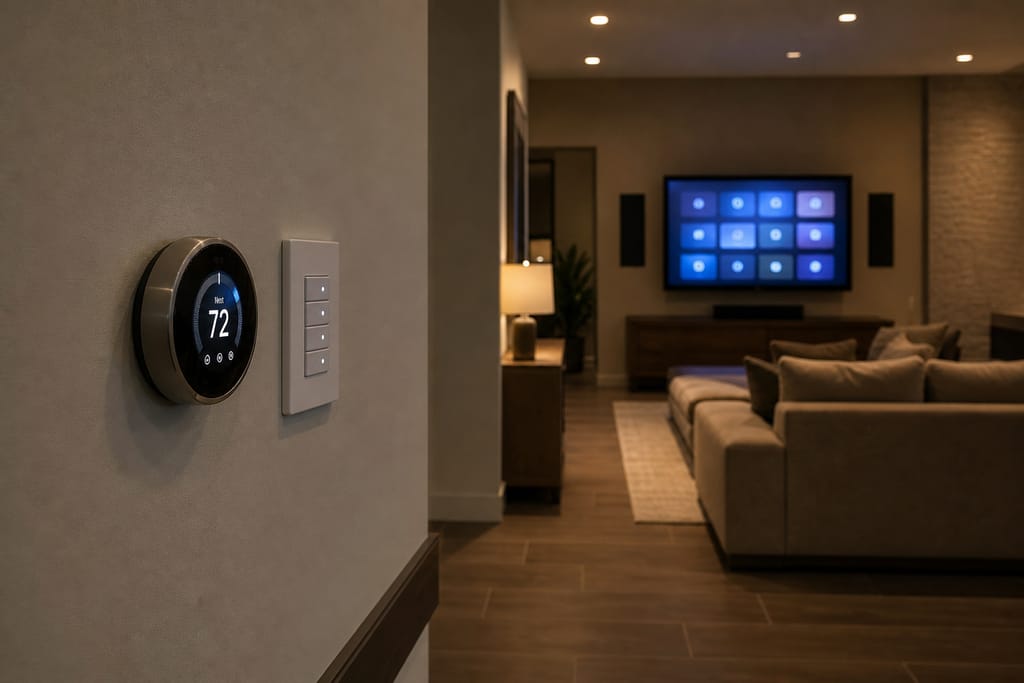
Smart Lighting & Shading Control
Smart lighting and shading control installation in Mesa for automated scenes and heat-cutting shades. Free estimates available.
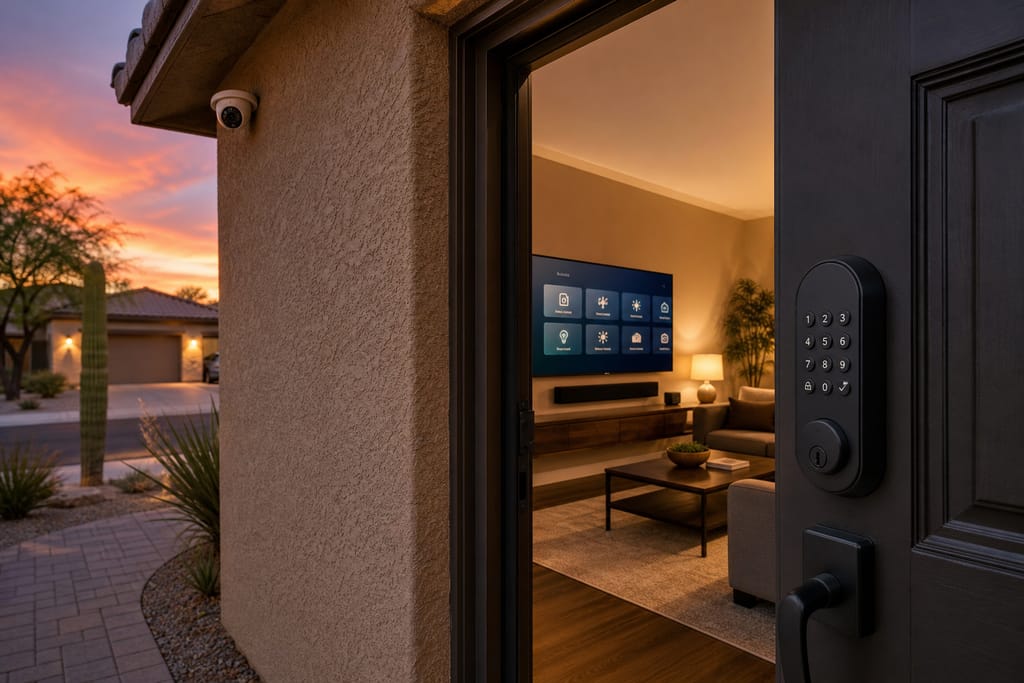
Integrated Security, Video, and Access Control
Integrated security, video, and access control installation in Mesa linking cameras, locks, and automation. Free estimates.
Ask about Voice Assistant & Smart Hub Integration
Tell us about the project and how to reach you.